
Getting Started in Printer Incremental
Join, redeem, buy a printer, collect, then unlock cash-gain and Auto Collect.
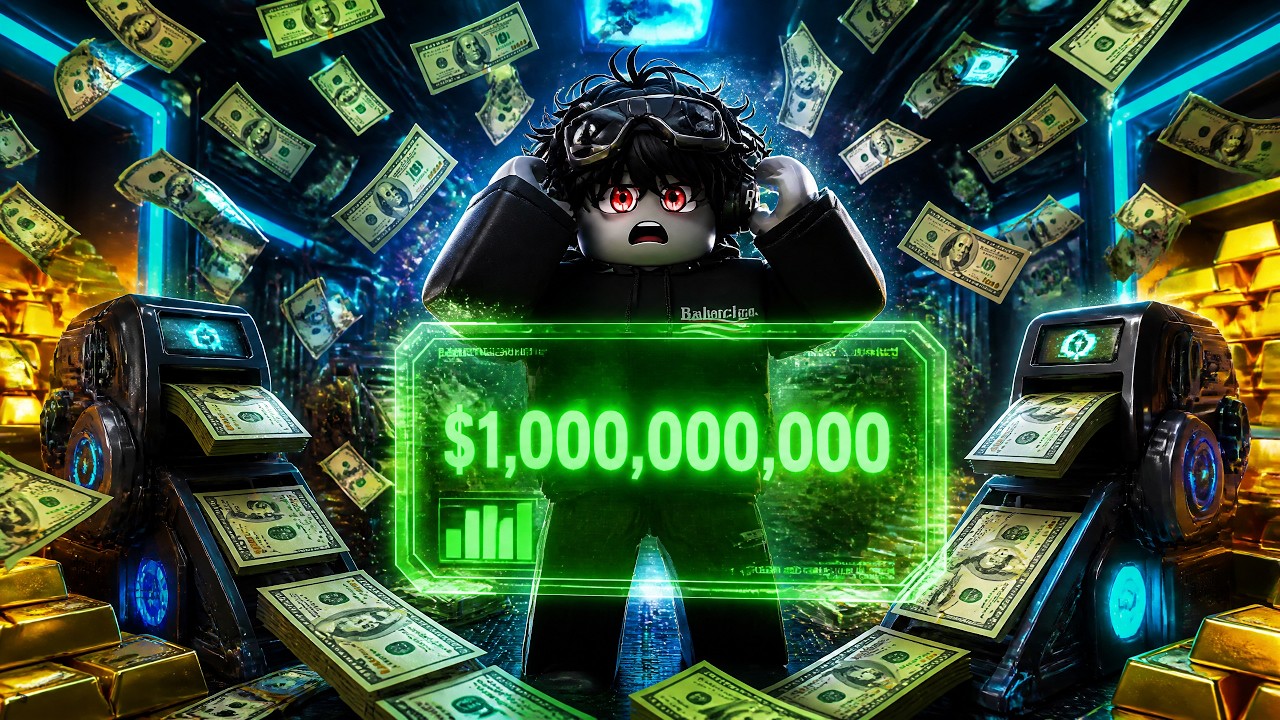
Your first Printer Incremental session is short if you follow a fixed order. The game is live on Roblox, published by Entertainment In Progress (Mayf and Sami), and it does not ask you to wait for a launch window. Join the official experience, look at the island, and treat the first hour as a setup ritual rather than a race against the public leaderboard.
This page is the onboarding script. The loop, Buy versus Max, and 8-player etiquette live in how to play. Wallet math lives in how to get cash. Rankings live on the tier list. Keep those tabs closed until a printer is actually printing.
Join the live experience
Open Printer Incremental from Roblox and load into an 8-player online server. You are not in a private sandbox. Other people can share the session even if your island feels like a personal stall row. Walk the starter island once so you can point at the kiosks, the stacked printer pads, and the cash, coin, and gem piles the official thumbs show. You do not need to spend on those piles yet. You only need to know where the shop UI sits so Buy, Max, Increase Cash Gain, and Auto Collect are not a surprise later.
If the HUD feels loud, ignore leaderboard rank for the first twenty minutes. Rank is a scoreboard. It does not tell you which kiosk to click. The top chip that reads Rookie with an XP bar is a label, not a build order — see Rookie rank and XP. Your job on minute one is to exist in the session with an empty wallet and a clear path to the shop. On that first walk, grab the green FREE crate if it is sitting on the island, then go buy a printer.
Redeem codes before you spend
Codes are the only free kickstart this wiki will promise. Open the codes hub and enter every live string before you buy anything. The official Roblox description lists Release and World2. Roundups add 4SORRYFORDELAY and credit World2 with 10 Tickets. Community videos list bugfix. Release may already be expired. This page does not invent extra strings. Full clicks are on how to redeem.
If you cannot find the field, follow how to redeem codes instead of guessing from a YouTube overlay. Type the codes exactly. Redeem all of them in one pass so you never spend a printer, then remember a code was sitting unused. After they land, look at your cash and boost state once, then go buy a printer. Codes are a kickstart, not a farm. You will not redeem your way past the first stall.
Buy a printer and collect
The official loop starts with printers. Buy one. Place it on the island. Collect the cash it prints. Do not open World 2, the tier list, or a script menu before that first collection lands. A printer you never collected from is decoration.
Early printers stack. Official art shows machines piled on the island rather than hidden in a menu, so you should be able to see what you own. If cash is sitting on the pad, pick it up. If the shop already offers a second printer while your first one is still cheap to improve, pause. The next heading is cash-gain, and cash-gain is usually the better second purchase than a decorative extra stall. The printers guide is the deep dive; this page only needs you to own one working machine.
Increase Cash Gain
Once a printer is producing, open the upgrade UI and look for Increase Cash Gain. Official thumbs put that node next to Buy and Max. Buy it when you can afford it. This is the first multiplier that makes every later printer worth more. Spending the same cash on a second identical stall while cash-gain is still sitting in the shop is the most common first-hour mistake.
You do not need a spreadsheet. If Increase Cash Gain is available and you have the cash, take it. If it is not available yet, collect another cycle from the printer you already placed. Repeat until the node lights up. After the first purchase, stop and watch one print cycle so you can feel the difference. That observation is what later pages mean by reinvesting in cash-gain instead of panic-buying hardware.
Auto Collect and the shop buttons
The same UI row includes Auto Collect, Buy, and Max. Auto Collect is the quality-of-life purchase that stops you from sprinting across stacked printers every few seconds. Turn it on as soon as it is for sale. Idle time without Auto Collect is wasted motion. Idle time with Auto Collect is actual incremental play.
Use Buy when you are testing a node. Use Max when you already decided that node is the current bottleneck. Max is not smarter than Buy; it is faster. First-hour players Max the wrong kiosk because it lights up. If you are not sure, Buy once, watch a cycle, then Max only the nodes that moved cash. How to play unpacks the buttons; this page only needs Auto Collect on before you leave the starter loop.
Roblox Premium grants +10% Cash on the official page. It is not required to finish the first hour. If you already have Premium, enjoy the extra income. If you do not, do not stall the session waiting for it. Printers plus cash-gain plus Auto Collect are the free path.
When to open the World 2 guide
World 2 is the next island layer after the starter stalls. It is live. It is not a coming-soon teaser. You still should not open that layer in the first five minutes. Finish this page’s order first: codes, a printer, collections, Increase Cash Gain, Auto Collect. When those five are done and the starter island feels slow — shop nodes cost more than a cycle can print — open the World 2 guide. That article explains the World2 code, how to treat the next map, and which update pages to check. It does not invent an unlock price, and neither does this one.
If you are still placing the first printer, you are not late for World 2. If Auto Collect is on and cash-gain no longer moves the needle, you are not early. The progression checklist exists so you can tick those boxes without rereading this whole script.
First-hour mistakes to skip
Do not skip codes. Do not Max every kiosk. Do not treat the leaderboard as a build order. Do not invent printer model names from other Roblox tycoons and hunt for them here. Do not wait for an empty lobby; the servers are 8-player and online. Do not spend the whole wallet on one stall because it is the only machine you recognize. Do not open World 2 in a panic because someone else on the server already did.
If you have ten minutes, redeem codes, buy a printer, collect, and buy Increase Cash Gain if it is up. If you have thirty, add Auto Collect and one ranked upgrade from the tier list. If you have a full hour, finish this page, then move to how to get cash and let that article decide whether the next bill goes into a new printer or another cash-gain click.
The first hour is over when Auto Collect is on, cash-gain has been purchased at least once, and you can point at your stacked printers without wondering which button collects. Everything after that is a different guide.
Frequently Asked Questions
Quick answers to the most common Printer Incremental questions.
What should I do in the first five minutes of Printer Incremental?
Join the live Roblox experience, redeem every code on the codes hub, buy a printer, and collect what it prints before you touch other kiosks.
Which codes should I redeem first?
Enter **Release**, **World2**, and **bugfix** using how to redeem codes. **Release** is a free boost; **World2** grants more cash. This wiki does not invent amounts.
When do I buy Increase Cash Gain?
After a printer is printing and you can afford the node. It is the first shop purchase that makes later machines worth more. See how to get cash for the reinvest rule.
When should I turn on Auto Collect?
As soon as the upgrade UI offers it. Auto Collect is what turns stacked printers into idle income. Details live in how to play.
When do I stop this first-hour plan and open World 2?
After codes, a printer, Increase Cash Gain, and Auto Collect. When the starter island stalls, read the World 2 guide instead of dumping cash into one last stall.
Do I need the tier list on day one?
Not before you own a printer. Once Auto Collect is on, use the tier list so Max clicks land on ranked nodes instead of every lit kiosk.