
Printers in Printer Incremental
How to buy, stack, and upgrade machines without invented SKU names or prices.
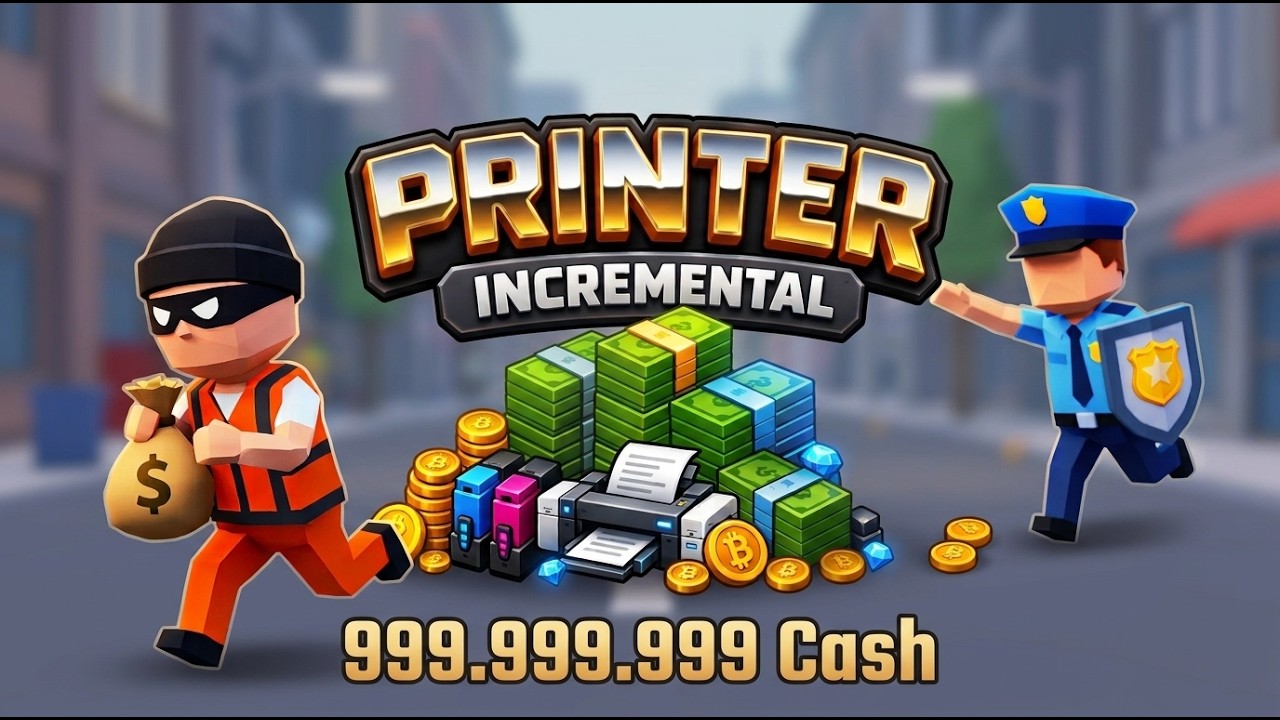
Printers are the hardware of Printer Incremental. You buy them with cash, they print more cash, and you stack them on the island until the starter pads look like a small factory. The official description is blunt: buy printers, collect cash, upgrade printers, unlock better printers. This page stays inside that sentence. It will not name models, quote prices, or publish a fake catalog.
If you need the wallet rules, read how to get cash. If you need a ranked order, open the tier list. If the starter island is already slow, the next layer is World 2. This article is only about getting printers, stacking them, upgrading them, and knowing when a new machine beats pumping an old one.
What a printer actually does
A printer is a pad that turns time into cash. You purchase it from a kiosk, it occupies space on the island, and it prints bills you collect by hand or through Auto Collect. Upgrading a printer spends cash to make that same pad print harder. Unlocking a better printer spends cash (and progress) to put a stronger pad in the shop. Both actions are real. Neither requires a wiki SKU list.
Watch the pad, not the menu, after every purchase. Official thumbs show stacked printers as physical objects. If you cannot see the new machine in the stack, you are not done with the buy. If you can see it but cash is not moving, collect, then wait a cycle before you upgrade again. Hardware you never observed is hardware you will overpay for.
Printers do not replace Increase Cash Gain. Cash-gain is a raise for the whole stack. A printer is another worker. You want both. You do not want a stack of unbuffed machines or a maxed multiplier with nothing to multiply.
How to get printers
You get printers by spending cash at the shop kiosks on the island. The first one is the onboarding purchase from the getting started script: redeem codes, buy a printer, collect. Later printers unlock as you print and spend. This wiki will not invent the unlock ladder. Live, the shop simply starts offering better machines as your wallet and island grow.
Buy the first printer as soon as you can. Buy the next printer only after you have collected from the first and looked at Increase Cash Gain. If the shop is already waving a better printer while cash-gain is still cheap, take cash-gain first, then the better printer. If cash-gain is expensive and a new printer is cheap, take the printer, collect, and return to cash-gain.
Do not hunt for names you saw in another Roblox tycoon. There is no wiki catalog of model names here because those names are not published facts for this game. If the live shop shows a label, trust the live shop. If this page says “better printer,” it means the next machine the shop actually offers.
Stacking on the island
The island is a stack, not a spreadsheet. Official art puts printers on pads beside cash piles, coin and gem boards, and kiosks. As you buy more machines, they pile up. That pile is your factory floor. Walk it. Camera it. Confirm the newest pad is running before you Max another node.
Stacking is why Auto Collect matters. A single printer you can tap. A stack you will miss. Once the pads overlap in your camera, Auto Collect is part of the printer build, not a luxury. Leave it off and you own a sculpture. Turn it on and you own a farm.
Crowding is also information. When the starter island looks full and the next shop nodes take many cycles, you are not failing at stacking. You are approaching the next layer. Keep the stack printing, keep cash-gain healthy, and read World 2 before you try to cram one more starter pad into a row that has already stalled.
Coins and gems appear next to the stack in official thumbs. Tickets appear in some script writeups. None of those are a documented way to buy printers on this wiki. Spend cash. Stack printers. Ignore invented currencies until an update page says they matter.
Upgrade the stall you have
Upgrading spends cash on a printer you already placed. It is the right click when the next level is cheap relative to a print cycle and the pad is still in your current layer. It is the wrong click when a better printer is on the kiosk for similar cash, or when the upgrade no longer moves the cycle you just watched.
Use Buy to test an upgrade. Watch one cycle. If output jumped, Max is fair. If output barely moved, stop. That stall is done for now. Move the cash to a new printer or to Increase Cash Gain. Maxing a dead stall is how stacked islands fill with monuments.
Upgrade in the same session you collected. Do not save a huge wallet “for later” on a stall that is about to be replaced by a better printer. Cash in the pocket does not print. Cash in a living pad does.
When a new printer beats upgrading an old one
Incremental games share a boring truth: a new producer often beats another level on an old producer once the old upgrade curve steepens. Printer Incremental follows that truth even without a published price table. Run this comparison live:
- Note one print cycle from the current stack.
- Read the cost of the next upgrade on the old printer.
- Read the cost of the new printer the shop is offering.
- Buy whichever option you can afford that should return cash sooner.
- Watch one cycle. Keep it or stop.
If the new printer’s first cycle already rivals the old stall’s upgraded cycle, the new printer won. If the old upgrade is a tiny cost and still moves output, the old stall won. If you cannot tell, Buy once on the cheaper option. Never Max both just to avoid deciding.
A new printer also wins when you need more pads for cash-gain to multiply. Multipliers want a stack. One over-upgraded machine is a fragile stack. Several decent machines plus cash-gain is the shape official thumbs show: printers piled on the island, not a single trophy pad.
A new printer loses when you cannot collect from it (Auto Collect still off) or when buying it would skip a cheap Increase Cash Gain. Hardware without collection and hardware without a raise are both leaks.
Printers and World 2
World 2 is the next island layer after these starter stalls. You prepare for it by owning a stack that prints while you are idle, by buying cash-gain so that stack is loud, and by not dumping the last wallet into a stall you are about to leave. The World 2 guide covers the jump and the World2 code. This page’s job is to send you there with printers that already work.
Do not sell a fantasy: this wiki does not know an exact printer count that unlocks the next map. When the shop gets slow, the pads look crowded, and cash-gain no longer breaks walls, you are ready to read World 2. Until then, keep stacking, keep upgrading only pads that still pay, and keep the tier list open so the next machine you buy is one the rankings still like.
Printers are simple on purpose. Buy them with cash, see them on the island, collect what they print, upgrade them while they still pay, replace them when a new pad wins the cycle test, and carry a working stack into the next layer. That is the whole hardware guide, and it stays true without a single invented model name.
Frequently Asked Questions
Quick answers to the most common Printer Incremental questions.
How do I get my first printer in Printer Incremental?
Redeem codes, spend cash at a kiosk, and collect from the pad. The getting started guide is the first-session version of that purchase.
When does a new printer beat upgrading an old one?
When the old upgrade is a wall and a new pad would return cash sooner. Watch one cycle after a single Buy. Details sit in how to get cash.
What does the stacked island layout mean?
Official thumbs show printers piled on pads beside cash, coins, gems, and kiosks. If you cannot see the new machine in the stack, the buy is not finished.
Should I Max every printer I see?
No. Buy once, watch a cycle, then Max only pads that still move output. Ranked order belongs on the tier list.
How do printers prepare me for World 2?
Carry a stack that prints while idle, with cash-gain already purchased. Then read the World 2 guide instead of dumping the last wallet into a stall you are about to leave.
Why will this page not list printer names and prices?
Those SKUs and numbers are not published facts we can stand behind. Trust the live shop labels, and treat "better printer" as the next machine the kiosk actually offers.