
Printer Incremental Tools
Plan when to buy printers, cash-gain upgrades, and Auto Collect without wasting a session.
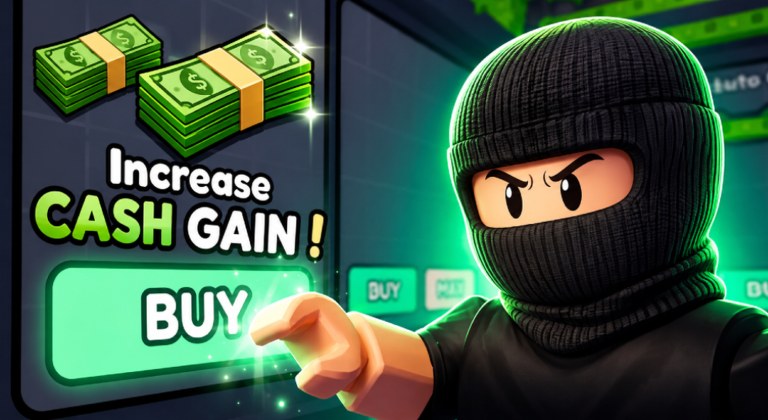
Printer Incremental does not publish a public formula sheet. There is no official cash-per-second table, no printer stat card we can quote, and no ticket calculator with real numbers. The Tools Hub exists anyway, because most stalled runs are planning mistakes, not missing exploits.
You still play the same released Roblox loop from Entertainment In Progress: buy printers, generate cash, collect cash, upgrade printers, unlock better printers, climb the leaderboards. The screenshot UI already gives you Increase Cash Gain, BUY, MAX, and Auto Collect. Tools on this wiki tell you when to press those buttons, not a fake multiplier we invented.
Use this hub as the planning desk. Use the progression checklist as the timed version of the same advice. Pair both with the tier list so you are not ranking printers from memory, and with the codes hub so a live boost is not sitting unclaimed while you theory-craft.
What belongs on a tools page
A useful Printer Incremental tool does four jobs:
- Puts first-hour buys in order so the island is printing before you idle.
- Tells you when cash should become another printer versus Increase Cash Gain versus Auto Collect.
- Flags World 2 as a later goal instead of a first-session detour.
- Points at leaderboards as a comparison, not as a reason to panic-buy MAX.
It does not invent printer names, gem exchange rates, ticket shop rows, or cash prices. If a number is not on the Roblox description or in sourced coverage, it is not on this hub. The only multiplier we will repeat is Roblox Premium at +10% Cash.
Tickets exist in community script videos. That is a fact. A ticket planner with fake pack prices would be fiction, so we do not ship one.
When to spend — the short version
Cash in this genre dies in two places: uncollected piles, and MAX taps on a node you do not understand. The island layout makes both easy. Stacked printers drop bills at your feet. Shop boards sit next to coins and gems and look equally urgent.
Spend in this spirit, then read the full progression page for the timed checklist:
- Redeem Release, World2, and bugfix first. A free boost and extra cash change every later buy. Steps are on the codes hub.
- Buy a printer before you buy cosmetics or mystery shop nodes. No printer means no loop.
- Collect. If you are leaving the keyboard, Auto Collect is the official answer, not a third-party farm.
- Take Increase Cash Gain when it is available. It is on the same UI as BUY and MAX for a reason.
- Use BUY when you are unsure. Use MAX when you already know the node is the one the tier list would keep.
- Unlock better printers when the starter stack is no longer the bottleneck.
- Look at the public leaderboard on the 8-player server after you have a loop, not before you have a printer.
If a shop board is selling something we cannot name, skip it until a guide or the tier list covers it. Curiosity MAX buys are how first-hour cash disappears.
How this hub differs from guides
Guides teach the loop in sentences. Tools try to make the next click obvious. That is why the progression page is a checklist from spawn through a World 2 push, not another lore recap of Mayf, Sami, and the 30 July 2026 launch.
You still need the guides. The checklist will link getting started, how to play, how to get cash, and World 2 because a tool that refuses to link out becomes a dead end. Come back here when you have cash in hand and no idea whether to collect, buy, or wait.
The game last updated on Roblox on 4 September 2026. If a patch changes shop boards, Auto Collect, or world access, the checklist is the first page we will rewrite. Until then, treat the order above as the default plan for a live 8-player island with about 1.6k people online at peak snapshots we tracked.
What we will not fake
- Printer display names and rarity ranks we have not sourced.
- Exact cash prices, gem costs, or coin sinks.
- Ticket shop contents.
- Time-to-World-2 formulas.
- Script calculators that assume infinite tickets or auto MAX.
If you opened this hub looking for an executor loadout, the honest page is the scripts hub, and the answer is still do not run it. Tools here assume a normal Roblox client, optional Premium at +10% Cash, and the three tracked codes.
Plan the spend. Print the cash. Recheck codes after patches. That is the whole toolkit until Entertainment In Progress publishes real numbers.
Frequently Asked Questions
Quick answers to the most common Printer Incremental questions.
What tools does this Printer Incremental wiki offer?
A spending-order hub and a timed progression checklist. Pair them with the tier list and live codes.
Is there a cash calculator with exact rates?
No. Official formulas are not public. We will not invent prices or multipliers beyond the documented Roblox Premium +10% Cash.
When should I spend cash?
Redeem codes, buy printers, collect, then Increase Cash Gain and Auto Collect. The progression checklist puts that order on a clock.
Should I use MAX on every upgrade?
No. BUY is safer until the tier list says that node is worth a dump. MAX on an unknown shop board wastes the first pile.
Do I need a script to plan progression?
No. Use this hub, the checklist, and in-game Auto Collect. Third-party farms are a TOS risk, not a planning tool.
Where do codes fit in a tools workflow?
Claim Release, World2, and bugfix before the first MAX buy. The codes hub is step zero of every checklist on this wiki.